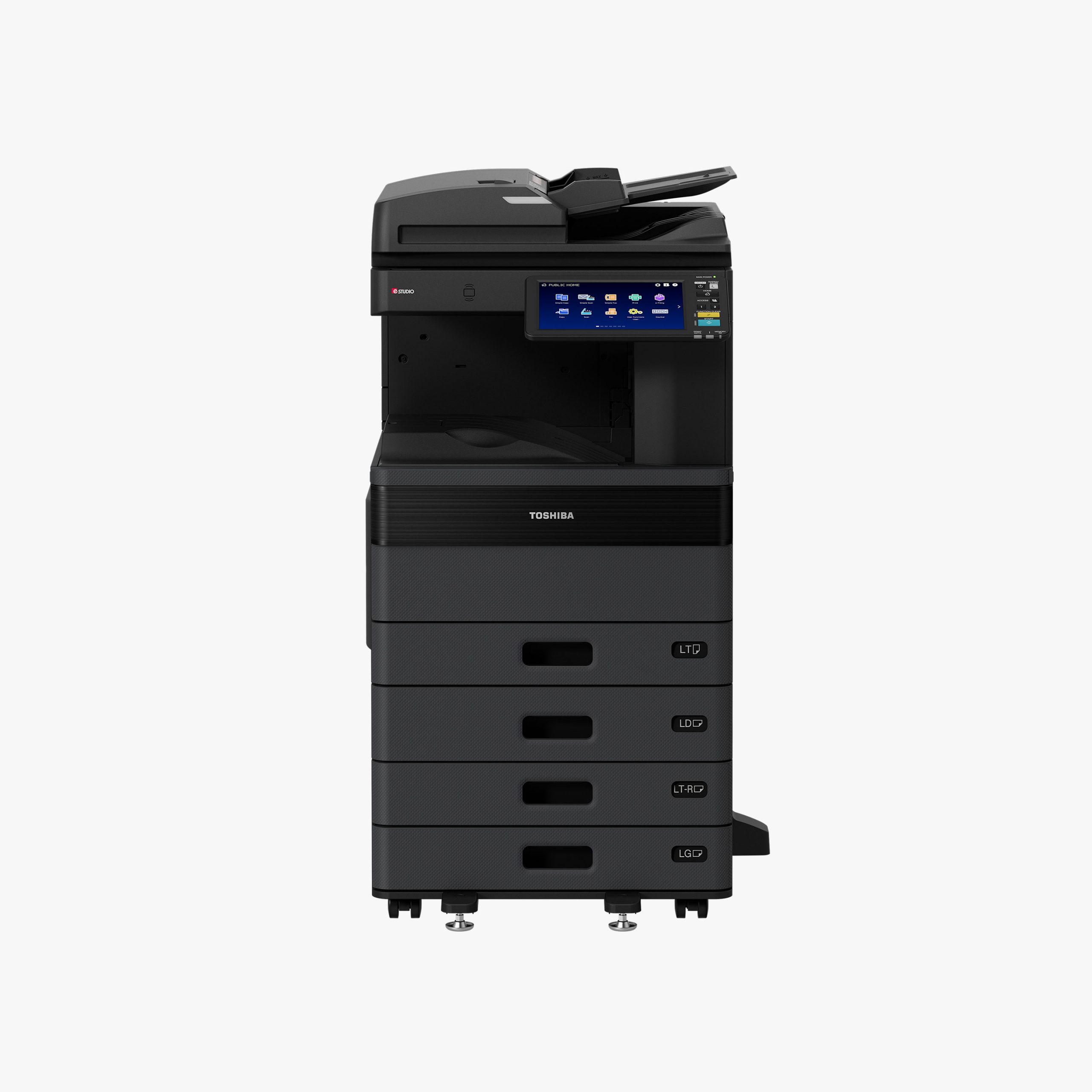
COPIER RENTAL SPECIAL
Toshiba 2521AC
A3 colour multifunction printer. Up to 25 pages per minute.
From R1,250* / month
10c mono55c colourService agreement available
Request this offer Free cost comparison
01 / TOSHIBA · CAPE TOWN & NATIONWIDE
Bring colour quality, cost-effective printing and a committed service team into your office. Start with our 2521AC special, then explore the Toshiba A3 range.

A3 printing. Original toner.
People who keep you working.
Enhanced studio presentation based on Toshiba product photography. Optional equipment shown.
COPIER RENTAL SPECIAL
A3 colour multifunction printer. Up to 25 pages per minute.
From R1,250* / month
From everyday workgroups to demanding print rooms. Explore colour and mono options, then let us tailor the equipment to your needs.
The compact colour family also includes the e-STUDIO2021AC at up to 20 ppm, alongside the featured 25 ppm 2521AC. For larger workloads, explore the models below.
A3 colour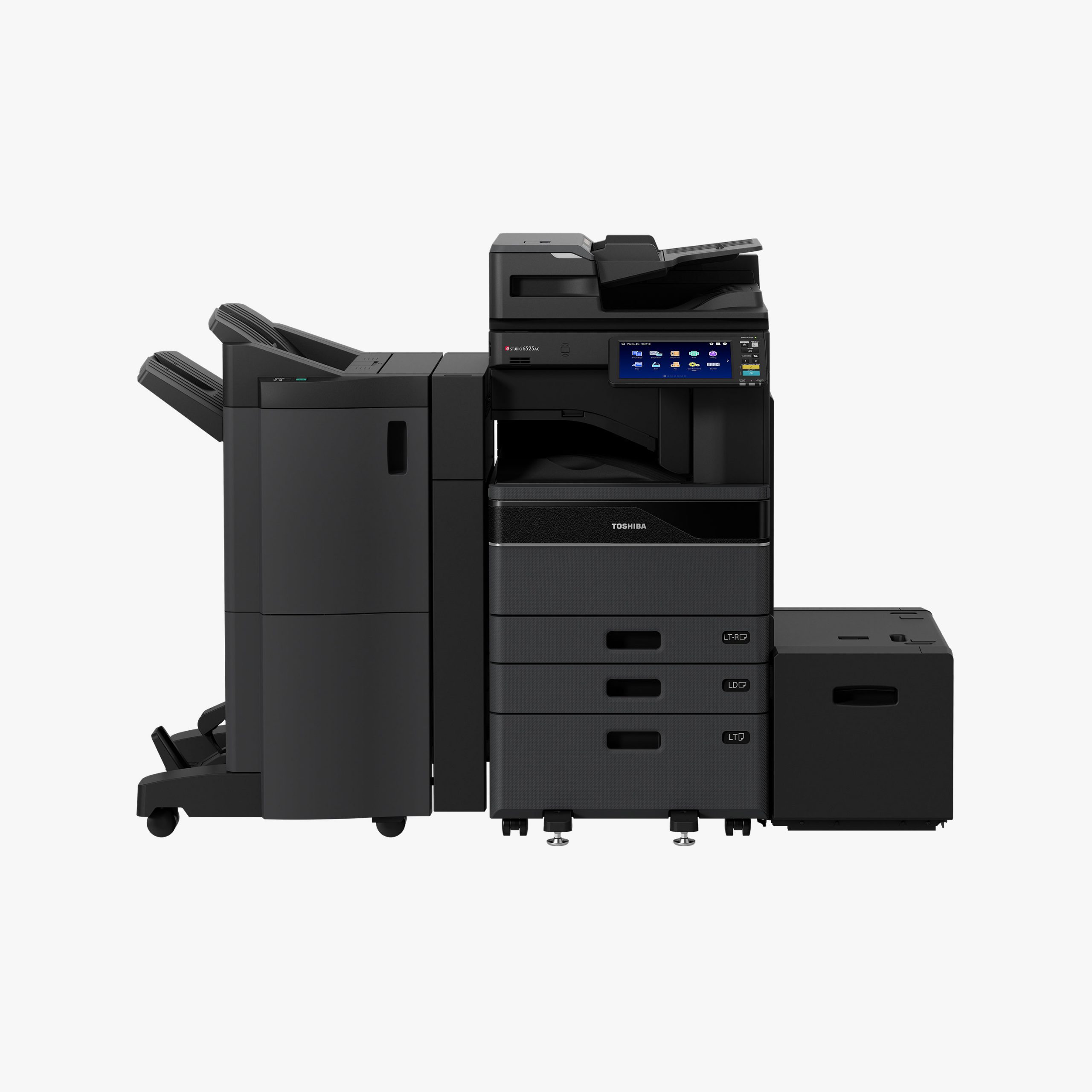
MORE COLOUR. MORE CAPACITY.
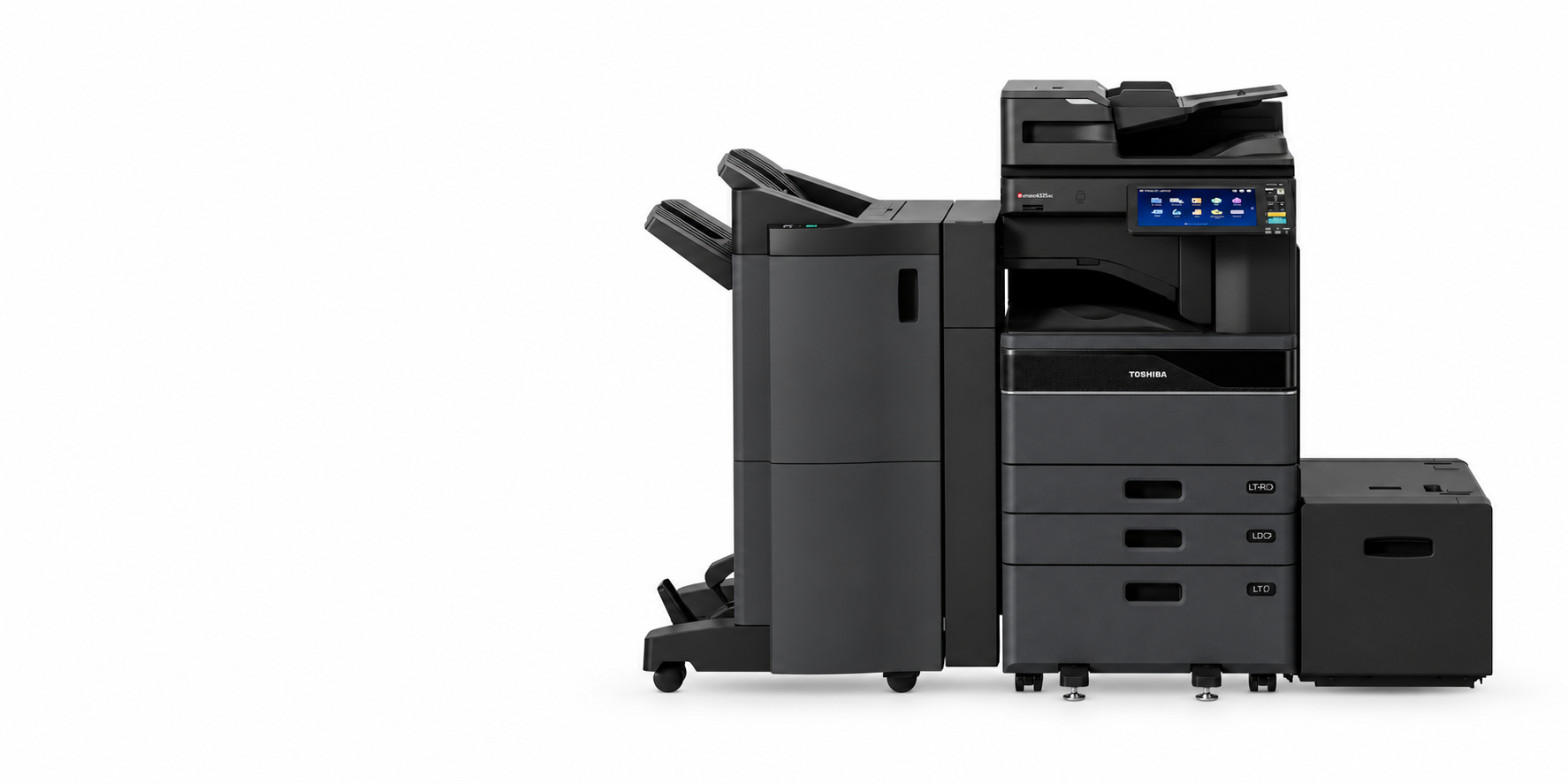
A colour print engine for growing workgroups. Choose the speed that fits your workload, from client-facing reports and training packs to larger-format documents. We size the solution around your monthly volumes and peak demand.
5525AC / 6525AC family pictured with optional accessories. Manufacturer specifications ↗
A3 mono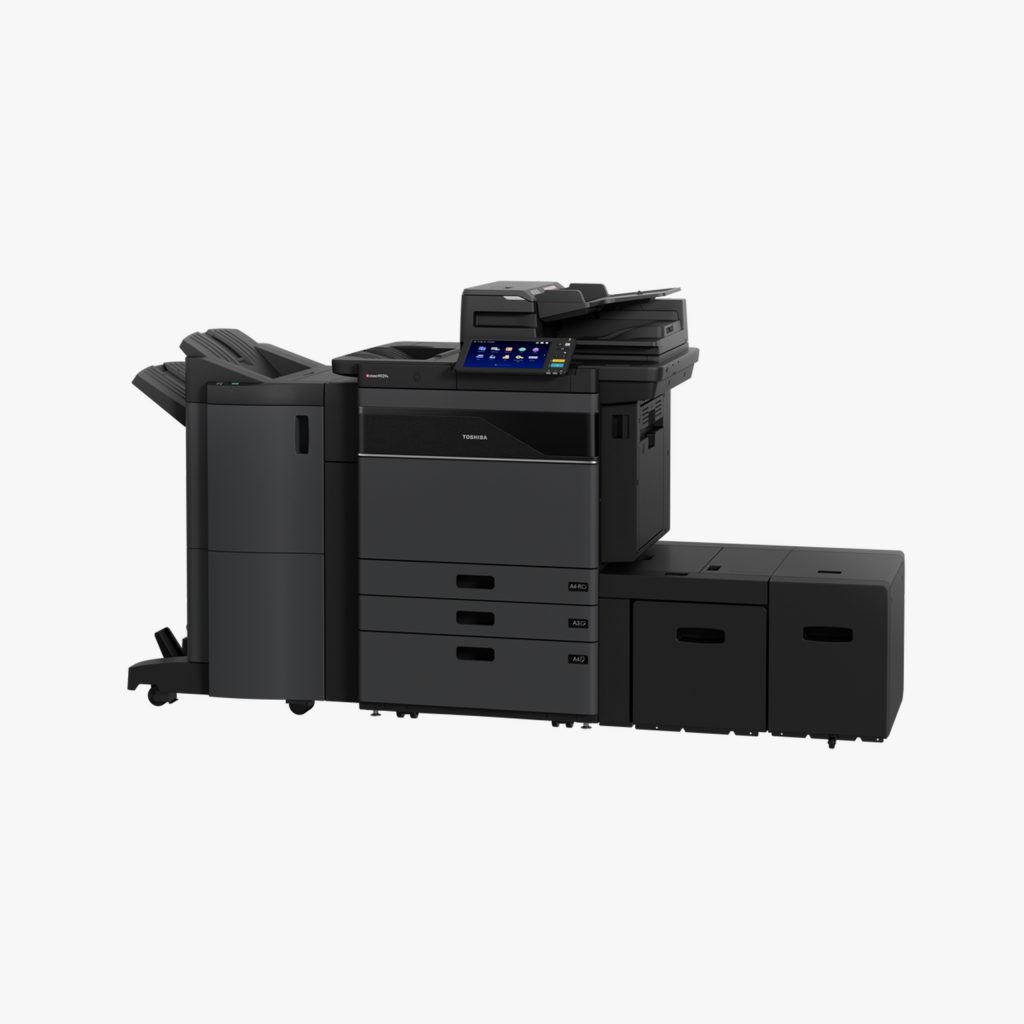
HIGH-VOLUME BLACK & WHITE
For departments where most output is black and white, these high-volume A3 multifunction models focus on throughput. Pair a mono workhorse with a colour device when different teams have different requirements.
Manufacturer 6529A / 7529A / 9029A series image. Manufacturer specifications ↗
GENUINE TOSHIBA SUPPLIES
Original Toshiba toner is designed for Toshiba equipment. Keep your documents looking their best with supplies matched to your exact model.
We consider your print volumes and requirements together, with installation and a dedicated service team beyond the sale.
Find my Toshiba solution ↗A3 COLOUR / BUILT AROUND YOUR WORK
An office copier should suit the work you actually produce. We look at your A4 and A3 mix, colour usage, scanning requirements and busy periods before recommending a machine and service agreement.
The 2021AC and 2521AC family is a starting point for shared colour printing. Think client proposals, school administration, property packs and everyday scanning—without buying more capacity than you need.
The 3025AC–6525AC range offers a choice of speeds for teams handling larger queues and more frequent print runs. We discuss paper capacity, document feeding and optional finishing around your workload.
We favour original Toshiba toner designed for the relevant machine. Compare equipment rental and ongoing print costs together.
We agree the installation scope, connect the equipment to your working environment and help your users get started. Ongoing support is arranged through the appropriate service agreement.
HOW COPIER RENTAL WORKS
A fixed monthly rental covers the machine. A cost per copy covers what you print under your service agreement.
Our printer service agreements cover call-outs, labour, preventative maintenance and remote assistance.
| Consideration | Rent | Buy outright |
|---|---|---|
| Upfront cost | Spread the machine cost over monthly payments. | Pay for the machine upfront. |
| Maintenance | Pair your rental with a service agreement. | Arrange a separate service agreement or paid support. |
| Upgrades | Plan a review around your agreement and changing needs. | Choose when to replace or trade in the machine. |
| Cash flow | Predictable machine rental plus usage charges. | Larger initial payment, then running and service costs. |
| Tax treatment as a business expense | Ask your accountant how rental and service payments are treated for your agreement. | Ask your accountant how the asset and running costs are treated. |
| Ownership at the end | Depends on the agreement; ownership is not automatic. | You own the equipment after purchase. |
These are planning bands for your business, not manufacturer volume ratings. Your real print counts, peak periods and document sizes guide the final machine choice.
1–5 users · up to about 1,000 pages a month
Start with A4. Choose colour for customer-facing work or mono for mainly text.
6–20 users · about 1,000–5,000 pages a month
Consider a shared A4 multifunction printer, or A3 if you produce plans, larger sheets or booklets.
20+ users · over about 5,000 pages a month
Assess capacity, scanning and peak queues. Choose A3 where document size requires it and colour or mono to suit your output.
Print A4 office documents and larger A3 material on one shared machine, with colour output and scanning for your team.
Yes. We focus on original Toshiba toner matched to the machine.
Start with your monthly mono and colour counts, team size and A3 needs. We assess these before recommending the 2021AC, 2521AC or a higher-speed workgroup model.
Yes. We offer rentals, outright purchases and service agreements.
Yes. Send your recent copier bill, machine model and contract end date for a comparison.
Our service team provides support through the agreed service plan. Log faults on our Service & Support page.
Printers, phones, CCTV, IT and fibre from one supplier. One contact. One support line.
Get a free cost comparisonPrices exclude VAT. Final pricing, availability and inclusions are confirmed in your written quote. T's & C's apply.